
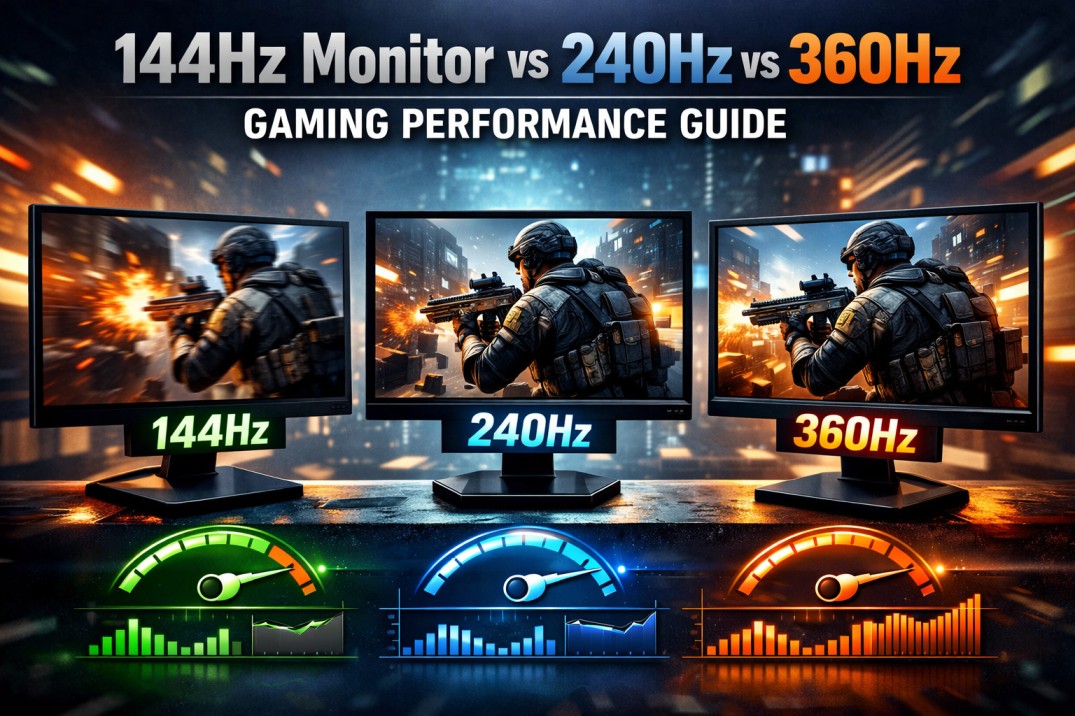
If you’ve spent any time looking at gaming monitors, you’ve probably seen people arguing about refresh rates, 144Hz, 240Hz, and even 360Hz. On paper, it all sounds like a huge deal. In reality, it’s a bit more nuanced. So the real question is: if you already have a 144Hz monitor, is upgrading actually worth it? Let’s talk about it in a way that reflects how it actually feels in real gameplay.
From 50 60hz to 144Hz: The Upgrade You Immediately Notice
You can tell the difference between a 50-60Hz screen and a 144Hz monitor without having to run benchmarks. You just feel it.
At 50–60Hz, you may notice:
* The camera moves a little jerkily
* Not as responsive in general
* In games like CS2, movement can feel less clear
Switch to 144Hz, and suddenly:
* Everything looks smoother
* Mouse movement feels tighter
* Tracking enemies becomes more natural
What’s happening here is simple: your screen is updating more than twice as often as 60Hz. That alone makes a massive difference. For most people, this is the point where gaming starts to feel truly fluid.
144Hz vs 240Hz: You’ll Notice It… But It’s Subtle
Now, moving from a 144Hz monitor to a 240Hz monitor is where expectations and reality start to diverge a bit.
Yes, there is a difference:
* The motion looks a little cleaner
* Fast-moving objects appear slightly clearer
* Frame time drops from about 6.9 ms to about 4.1 ms
But here’s the truth: it’s not a huge change.
If you’re playing CS2 seriously, you might notice that tracking looks a bit more precise, especially if your FPS is already high. But if you’re just playing casually or mixing in other games, the upgrade can appear pretty minor.
It’s the kind of improvement you appreciate over time, not something that instantly blows you away like switching from 50-60Hz to 144Hz.
240Hz vs 360Hz: This Is Where It Gets Really Hard to Notice
Jumping from a 240Hz monitor to 360Hz sounds impressive, and technically, it is.
You’re getting:
* Even lower frame time (~2.7 ms)
* Slightly clearer motion
* Marginally lower latency
But in actual gameplay? Most people will struggle to tell the difference.
Even in a fast game like CS2, the improvement is extremely subtle unless:
* You’re already playing at a very high level
* Your system is pushing 300+ FPS consistently
For the average player, this is where diminishing returns really kick in.
Can You Actually See Higher Refresh Rates?
There isn’t a fixed limit to what the human eye can see, but at some point, the differences get harder to notice.”
Here’s how it generally feels:
* 50 60Hz → 144Hz: Huge jump, instantly obvious
* 144Hz → 240Hz: Noticeable, but not dramatic
* 240Hz → 360Hz: Very subtle for most people
It’s less about “seeing more frames” and more about how smooth and clear motion feels. The higher you go, the smaller those gains become.
Your Hardware Plays a Bigger Role Than You Think
This part is often overlooked.
A higher refresh rate only really shines if your PC can keep up.
To get the full benefit:
* 144Hz → around 144 FPS
* 240Hz → ideally 200–240 FPS
* 360Hz → 300+ FPS
In CS2, hitting those high frame rates is possible with a strong CPU and optimized settings. But in many modern AAA games, even powerful systems won’t reach those numbers.
Also worth noting, even if you don’t fully match the refresh rate, a higher Hz display can still feel slightly more responsive, though the effect depends on frame rates and system performance. It’s just not as impactful.
So, Who Should Actually Upgrade?
Stick with a 144Hz monitor if:
* Upgrading from 50–60Hz
* A mix of games is part of regular play
* The goal is the best overall value
Go for a 240Hz monitor if:
* You mainly play competitive games like CS2
* You already get high FPS
* You care about small performance gains
Consider 360Hz if:
* You’re very competitive or esports-focused
* You want every possible advantage
* Budget isn’t a concern
Is It Actually Worth It?
For most people, a 144Hz monitor already hits the sweet spot.
Upgrading to a 240Hz monitor:
* Makes sense if you’re competitive
* Probably unnecessary if you’re not
Going all the way to 360Hz:
* Helpful in very specific situations
* Overkill for the majority of players
The biggest leap you’ll ever feel is still moving away from 50-60Hz. Everything beyond that is more about refinement than transformation.
Final Thoughts
If you’re trying to decide where to spend your money, keep it simple. A 144Hz monitor delivers a huge improvement in how games look and feel, especially in fast titles like CS2. It’s the upgrade that actually changes your experience. Higher refresh rates like 240Hz and 360Hz do make a difference, but it’s smaller, depends on how you play, and is easy to miss if you’re not really paying attention.
At the end of the day, skill, consistency, and game sense will matter far more than chasing higher numbers. The hardware helps, but it’s not everything.
Disclaimer: The content on this blog is for informational and educational purposes only. While we aim to provide accurate information, we can’t guarantee its completeness or accuracy. The views expressed are those of the authors and may not reflect those of the blog.