
What Is a USB Hub?
You sit down to play a game on your laptop, and the setup already feels cramped. One or two USB ports, maybe three if you’re lucky. Then come the usual add-ons. Mouse, keyboard, headset, sometimes an external display, and you still need to keep the laptop charged. Something has to be unplugged every time you add another device.
That back-and-forth gets old fast. It also breaks the flow, especially during longer sessions. Some setups even start feeling unstable with loose connections and adapters stacked together.
What Is a USB Hub?
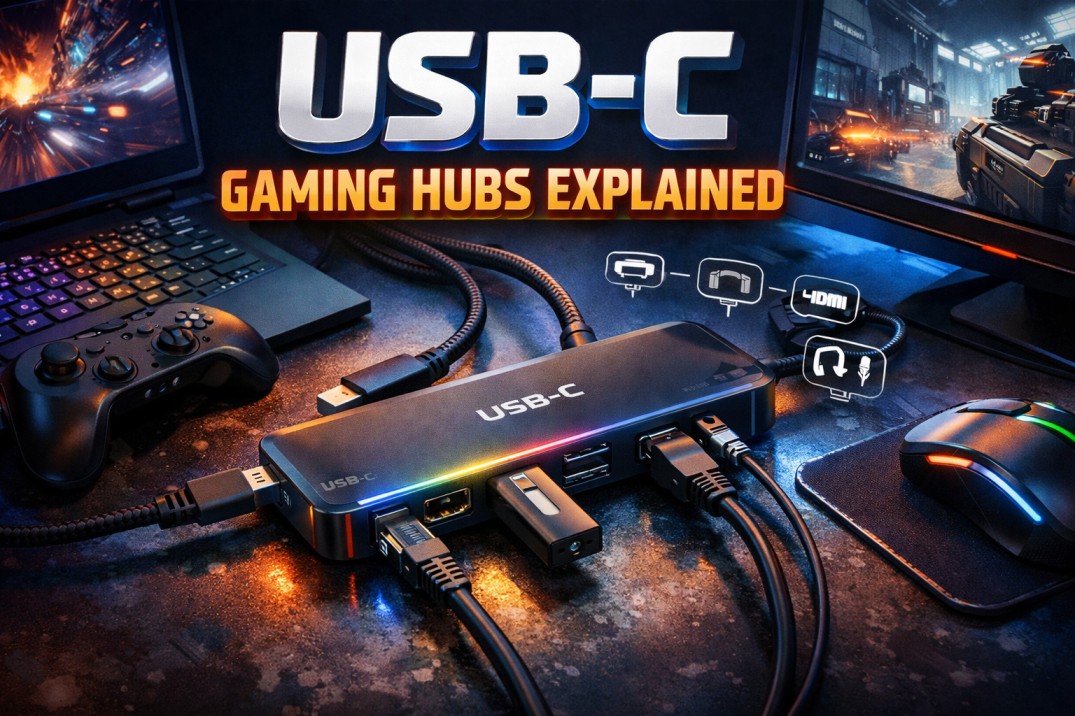
To put it across in simple terms, a USB Hub is all about the expansion of ports on your device. One physical type-C port on your laptop connects to a controller inside the hub, which then distributes that connection across multiple ports. All connected devices share the same upstream bandwidth back to the laptop.
Standard hubs are built for light use with the usual peripherals like a mouse, keyboard, and USB drives. A USB-C hub works differently in practice, and it can carry higher data throughput. It can also support display output through alternate modes and handle power delivery alongside data.
But gaming setups push that shared connection harder. A wired mouse and keyboard need consistent polling. Add a headset, maybe an external SSD, sometimes a monitor, and the hub is now handling both input signals and sustained data transfer.
Normal C hubs often rely on basic controllers with limited bandwidth allocation and no external power support. Under load, devices compete for the same data lane, which can lead to dropped packets, USB resets, or inconsistent detection.
Why a USB-C Gaming Hub Starts Making Sense for Laptop Gamers
At that point, most laptops are out of ports, especially thinner models that rely on two or three USB-C connections for everything.
A USB Type-C hub for gaming changes how that setup behaves. Instead of splitting devices across ports, it consolidates them into a single upstream connection while keeping each device active. No replugging between sessions. No devices dropping out because something else needed the port.
There’s also a stability angle that shows up over time. Wired Ethernet through a hub removes Wi-Fi variability, which matters more in online games than most expect. Display output through HDMI or DisplayPort lets you push to a larger screen without routing cables separately. Power delivery keeps the laptop charged through the same connection, so you’re not losing performance under load.
What to Look for When Choosing a USB-C Hub for Gaming
A basic USB-C hub might be fine for light use, but as discussed earlier, gaming setups push more data, more power, and more devices through a single connection.
1. Data Speed and Ports: USB 3.2 Gen1 gives you 5 Gbps, which works for input devices. Add an external SSD or multiple devices, and that limit shows up. A 10 Gbps hub (USB 3.2 Gen2) gives more headroom when transfers and inputs happen together.
2. Power Delivery: Entry-level hubs sit around 60W, which can struggle with gaming laptops under load. Look for 90W to 100W passthrough so the laptop stays charged while running peripherals and a display.
3. Display Output: Most hubs support 4K at 30Hz, which is fine for general use. Gaming setups benefit from hubs that can handle 4K at 60Hz or more, depending on your monitor and laptop support. Lower-end hubs may cap refresh rates.
4. Ethernet Port: A Gigabit port (1000 Mbps) gives consistent speeds and lower latency than Wi-Fi. That difference shows up more in multiplayer and competitive games.
5. Build and Reliability: Sustained load generates heat. Hubs with metal enclosures dissipate thermal load better and avoid random disconnects when multiple devices are active.
6. Bandwidth: A USB Type-C hub shares a single upstream connection. A 5–10 Gbps link gets divided across SSDs, display output, and peripherals. Running everything at once can saturate that link, so balance your usage.
Closing Thoughts
At this point, the picture should be clear. Your gaming laptop, no matter how powerful, hits a physical limit the moment you plug in more than a couple of devices. A USB-C gaming hub removes that friction entirely. It turns one port into your command centre. Mouse, keyboard, headset, ethernet, monitor, and charging cable, all connected through a single point. Once you’re set up with everything running through a single cable, you’ll wonder why you waited so long to make the switch.
Plug in, lock in, and play.
Disclaimer
The content on this blog is for informational and educational purposes only. While we aim to provide accurate information, we can’t guarantee its completeness or accuracy. The views expressed are those of the authors and may not reflect those of the blog.
References
https://www.hp.com/us-en/shop/tech-takes/what-can-you-do-with-usb-port-hub
https://www.anker.com/blogs/hubs-and-docks/best-usb-hub-for-gaming
https://www.anker.com/blogs/hubs-and-docks/do-usb-hubs-add-latency
https://www.anker.com/blogs/hubs-and-docks/how-to-choose-the-right-usb-c-hub
https://www.purplelec.com/info-detail/gaming-usb-hub-946